
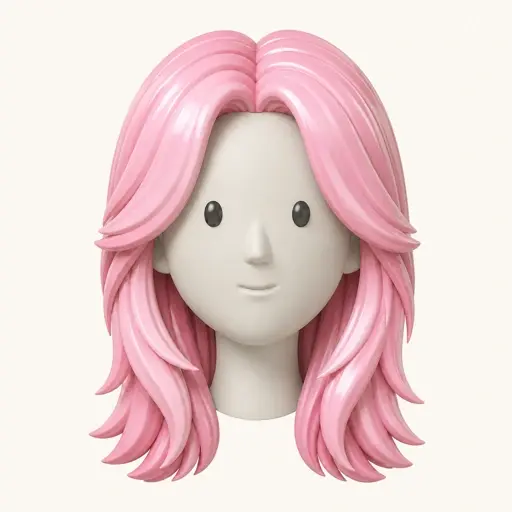
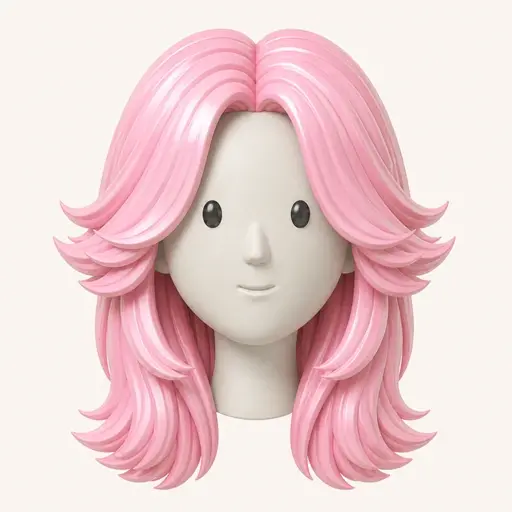
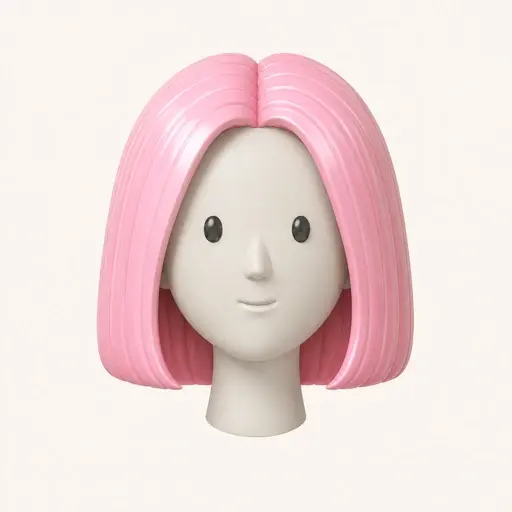
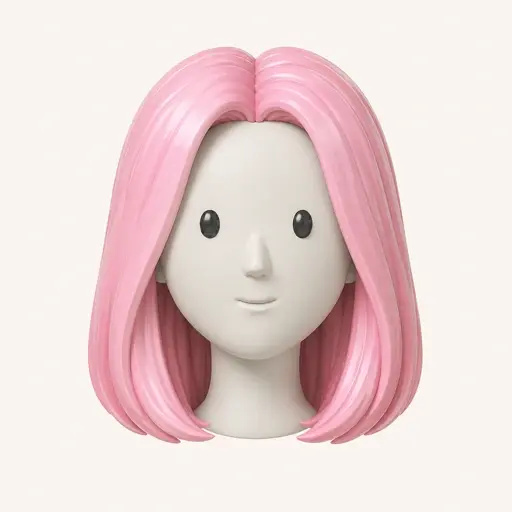
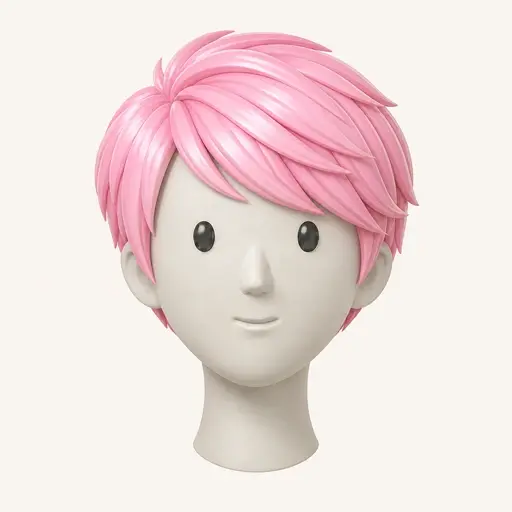
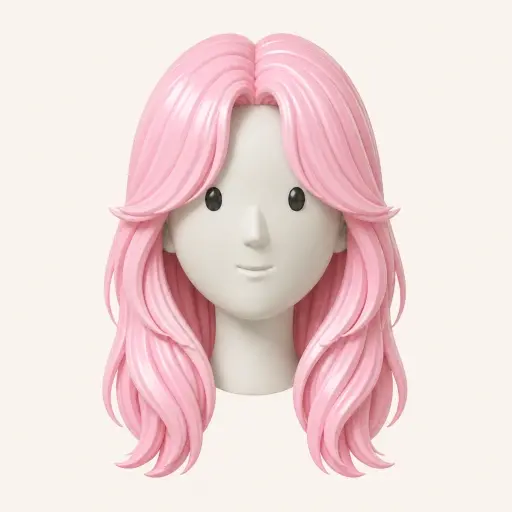
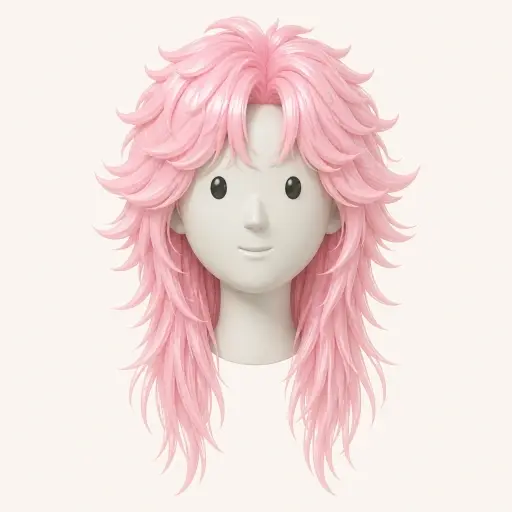
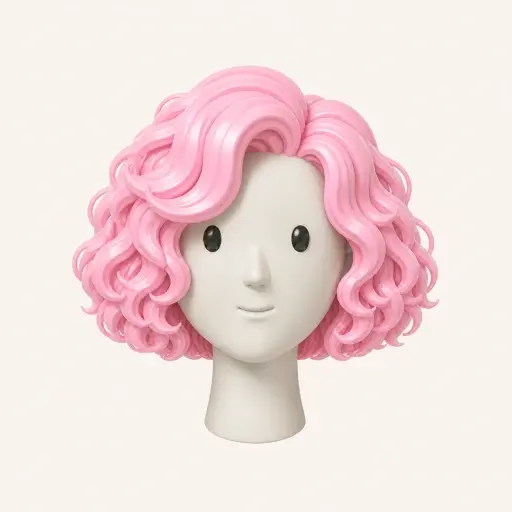
Hairstyle catalogue
Choose a ready-made women's hairstyle and generate one free watermarked preview—no credit card required.
Try a free hairstyle from the catalogue
Upload your photo and preview any hairstyle on your face in seconds.
Privacy first: We don't store your photos. Learn more about how Hair Fairy handles your photos
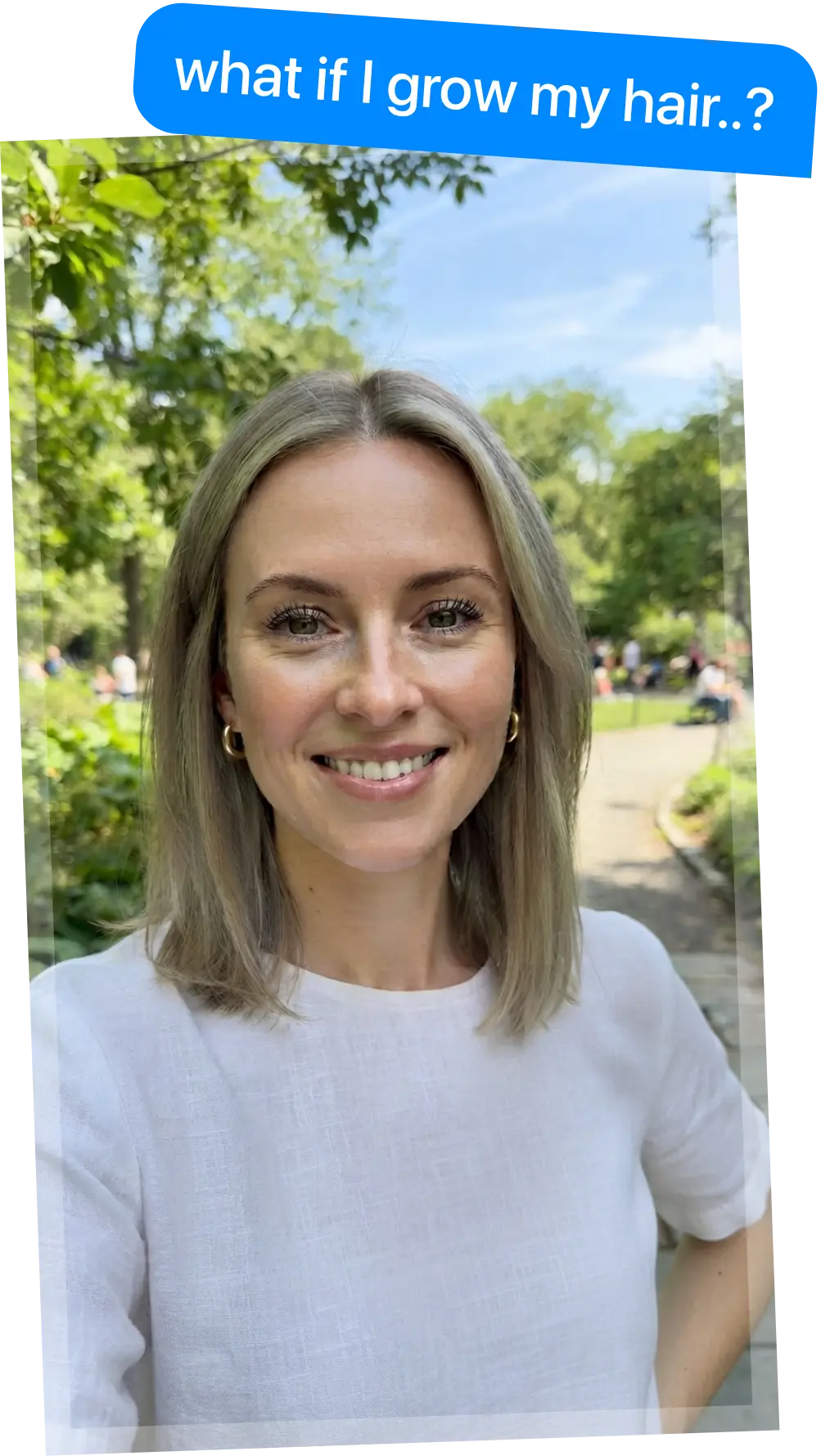

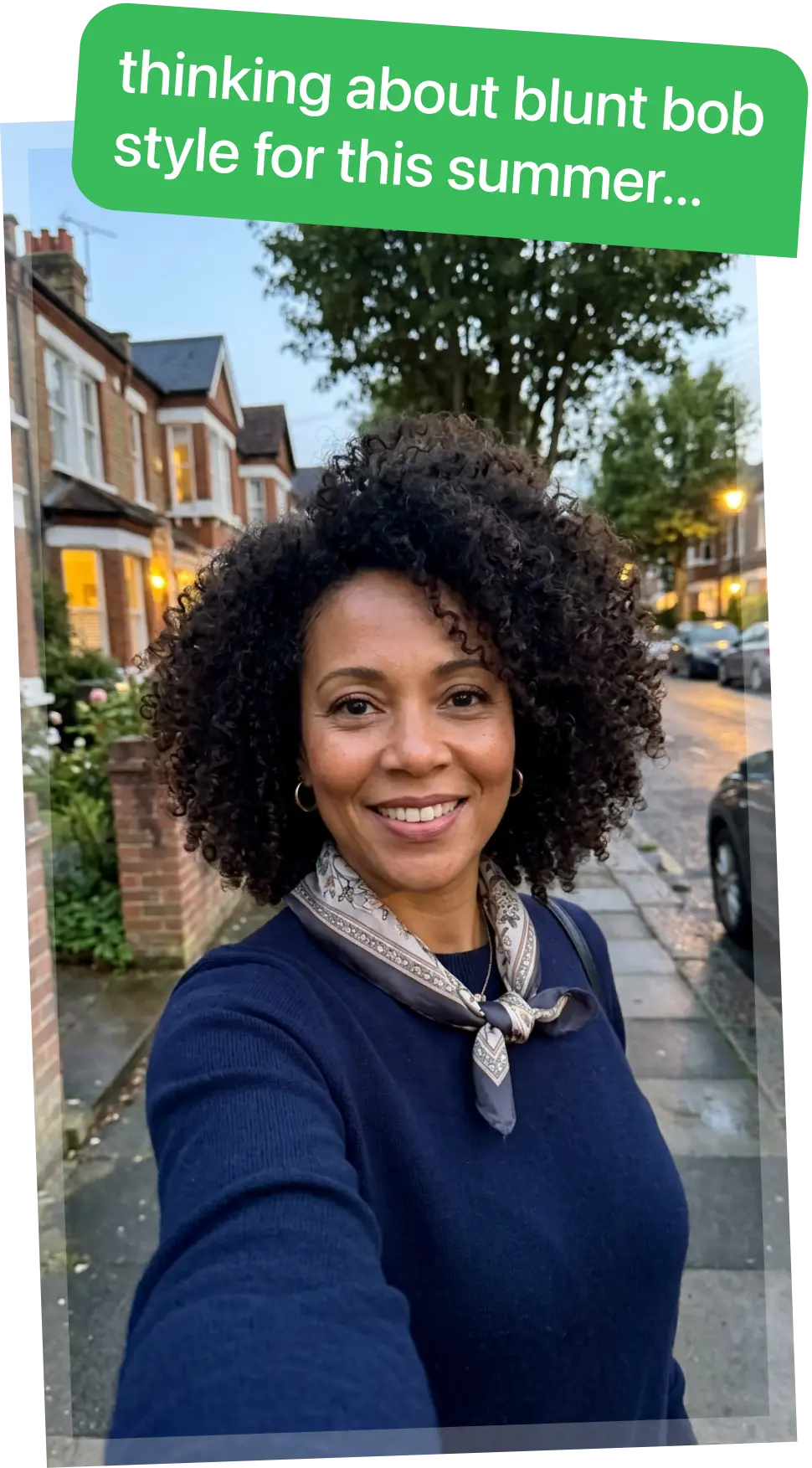
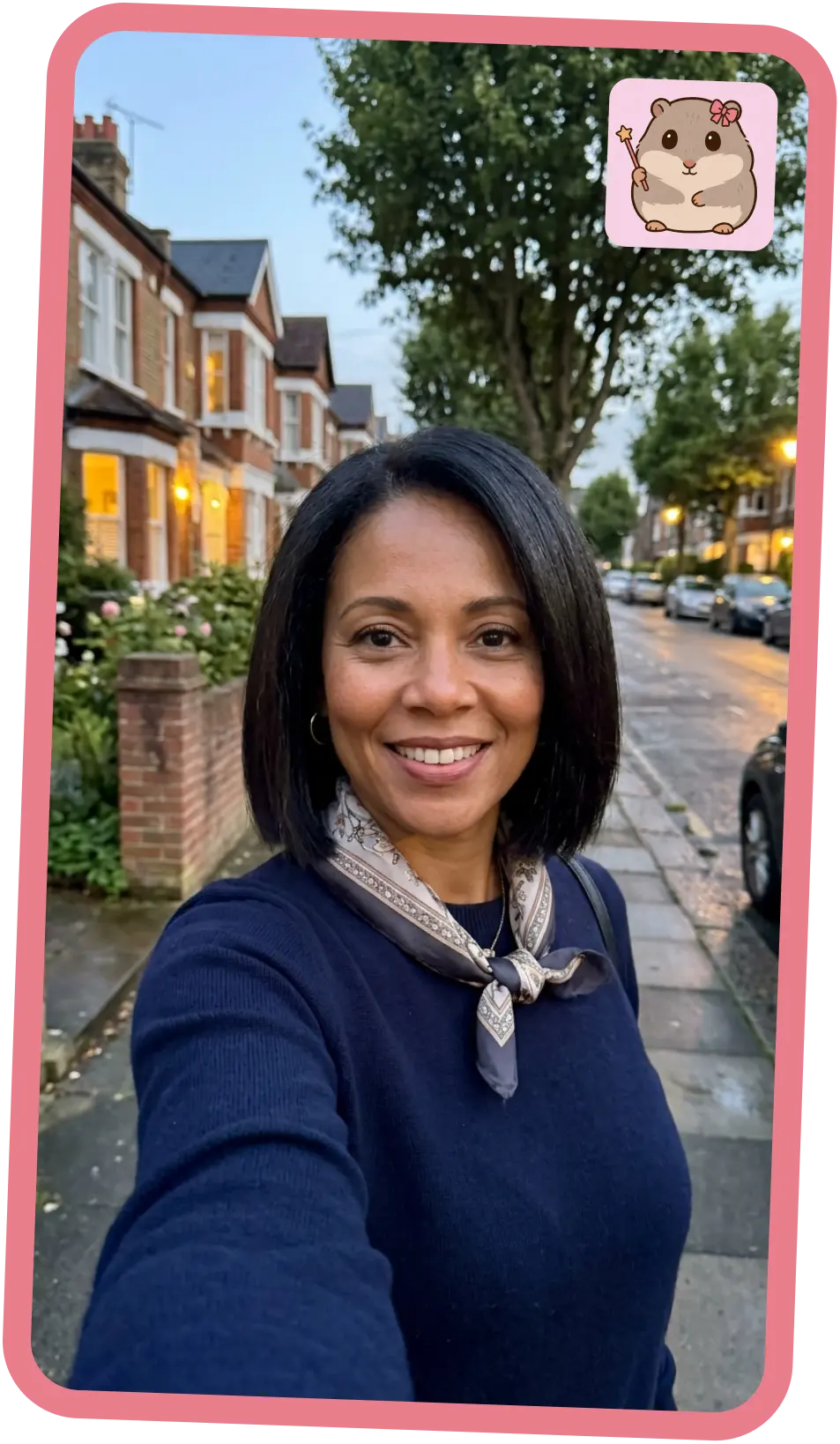
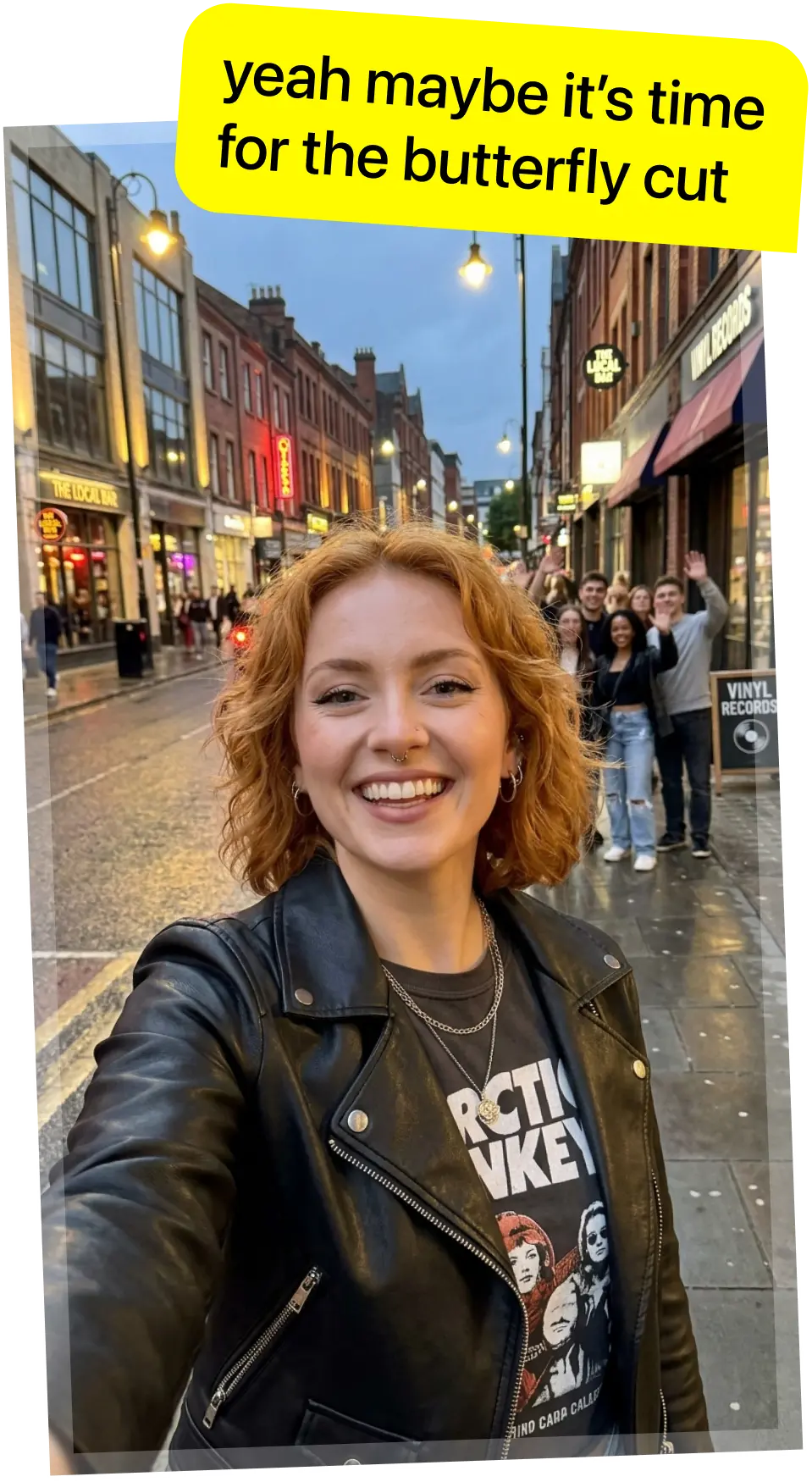
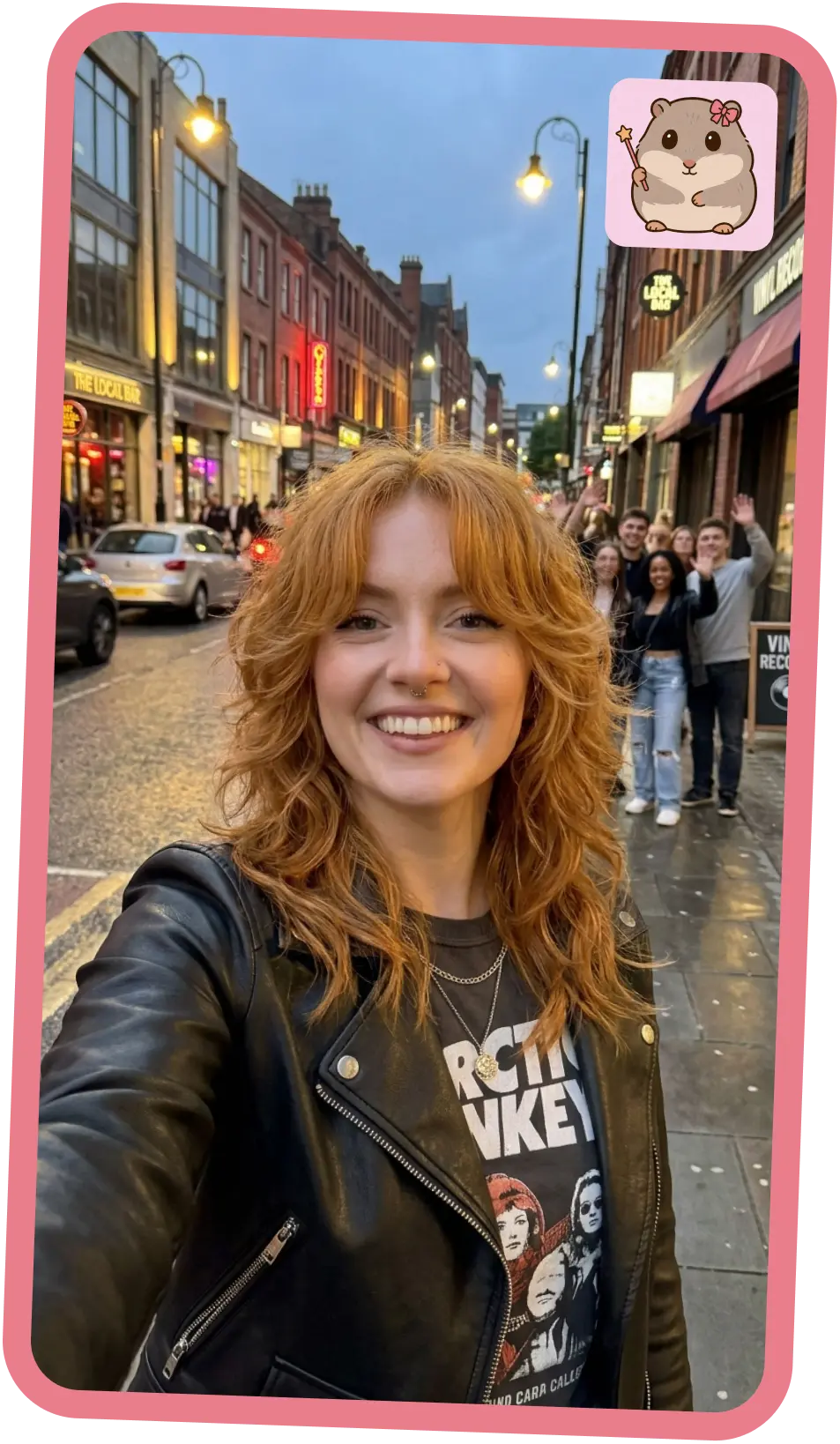
Finding your perfect hairstyle has never been easier.
Just three simple steps and you're done.
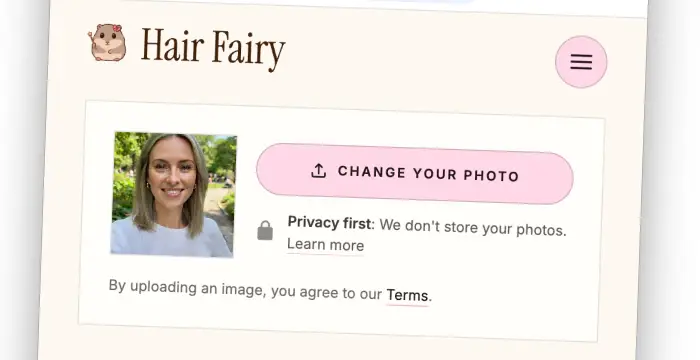
Take a selfie or upload an existing photo. Make sure your face is clearly visible for best results.
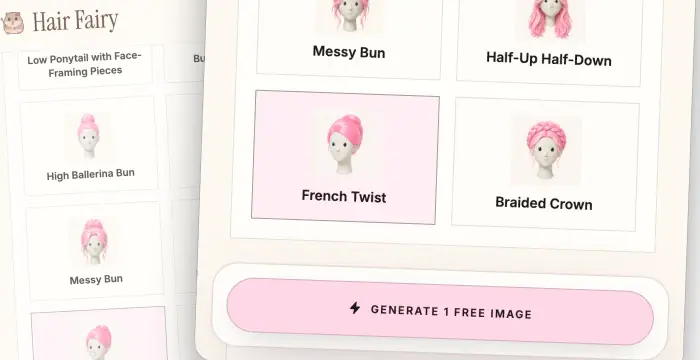
Start free with a popular preset. Image packs unlock a reference haircut or a description of exactly what you want.
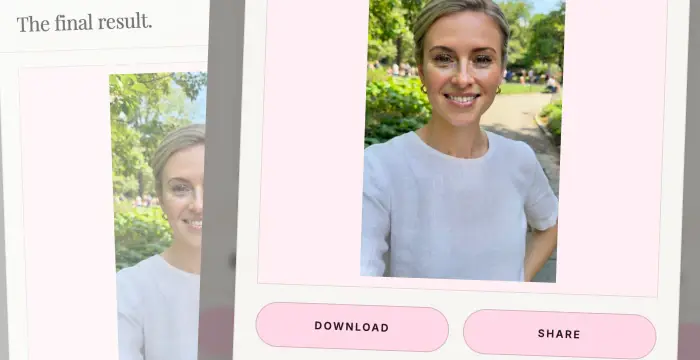
Hair Fairy renders the selected hairstyle on your photo. You can download and share your new look!
Explore a few of the most-requested shapes, lengths, and face-framing ideas before previewing one on your photo.
Your first image is free. Custom styles (reference photo, text description) are available to paying users only.
Choose a ready-made women's hairstyle and generate one free watermarked preview—no credit card required.
Try a free hairstyle from the catalogueUpload the haircut that inspired you and preview its shape on your own photo, with your color or the reference color.
Unlock reference-photo stylesDescribe the length, layers, bangs, texture, or finish you have in mind and turn the idea into a personal preview.
Unlock described stylesTips, trends, and guides to help you find your perfect style.

Choose a middle or side part by observing natural fall, comparing the same haircut, testing everyday wear, and confirming part flexibility with your stylist.
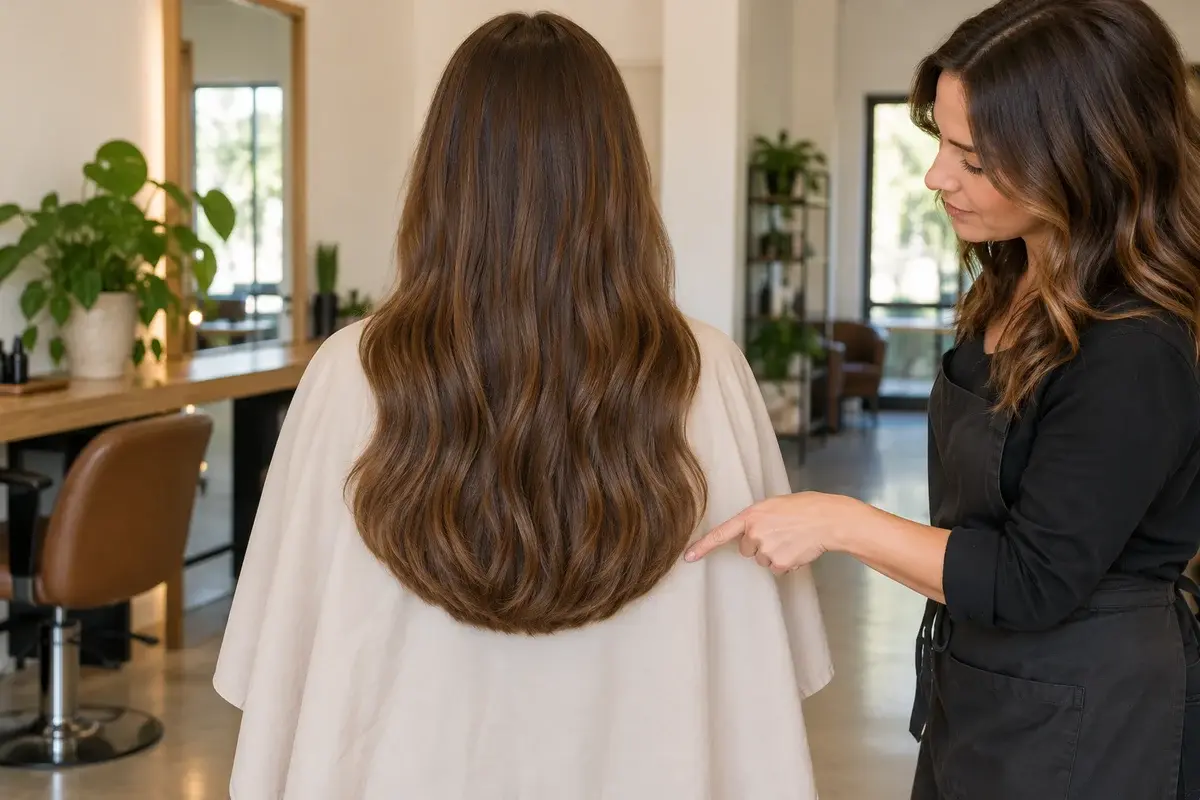
Compare U-shaped and V-shaped haircuts by back outline, shortest side length, visible fullness, texture, and the changes needed to return to a straighter edge.
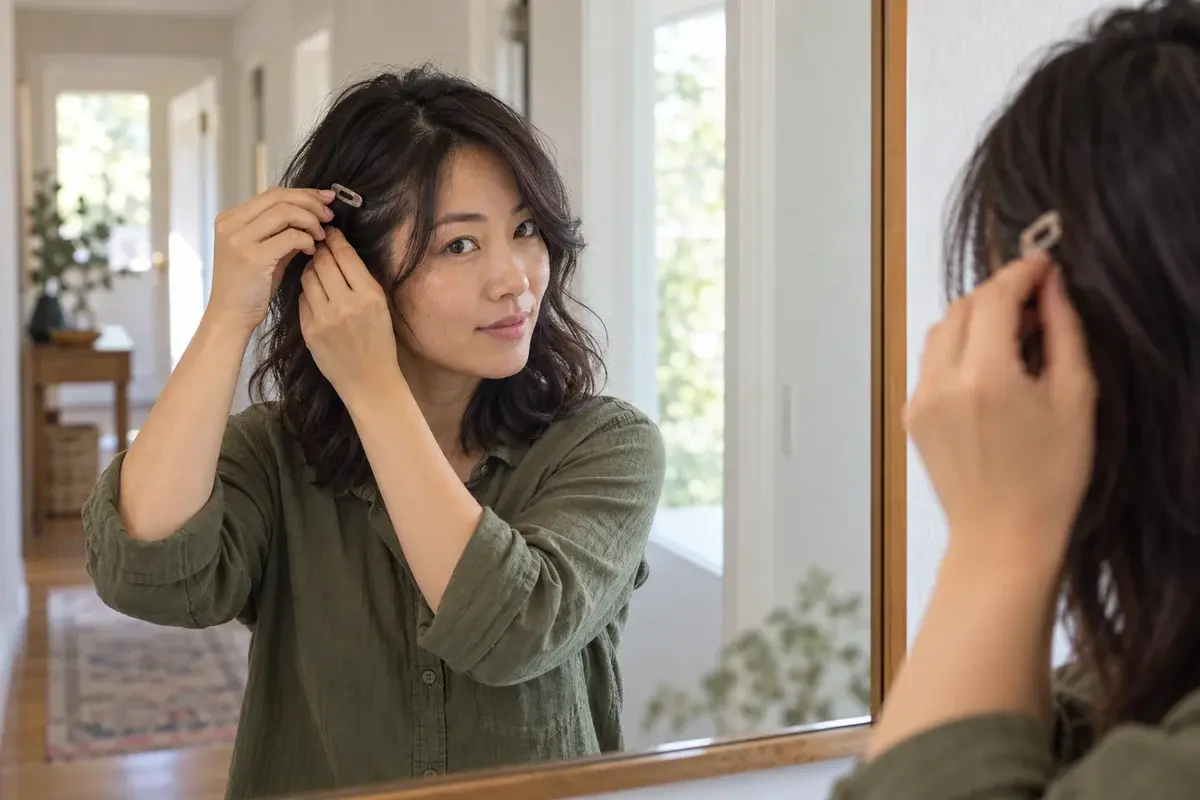
Grow out bangs with a clear length goal, comfortable ways to keep hair out of your eyes, a selective salon plan, and progress checks in your usual texture.
Choosing a new hairstyle can feel like a gamble. Will that blunt bob actually suit your face shape? Is a pixie cut the right move, or would long layers look better? Hair Fairy takes the guesswork out of women's hair decisions by letting you try on hairstyles before you ever visit the salon. Our AI hairstyle try-on tool realistically renders different haircuts onto your own photo, so you can see how a bob, lob, shag, layered cut, or pixie would look on you - all in a matter of seconds.
Unlike generic hairstyle apps, Hair Fairy is built specifically for women and uses advanced AI image models. Simply upload a clear photo of your face, browse our growing collection of popular hairstyles, and generate a realistic preview. Whether you're looking for the best hairstyle for your face shape, exploring low-maintenance haircuts, or curious about what you'd look like with curly hair, Hair Fairy makes it easy to experiment risk-free. You can also create custom styles by matching a reference photo or describing a haircut in your own words.
No app to install. Hair Fairy works directly in your browser on any phone or computer. Ready to discover your next look? Try on a new hairstyle now or explore our women's hairstyle directory.
Hair Fairy works on modern phones and computers, with no app to install. Photos are processed temporarily to create your result and are never posted publicly by Hair Fairy.
Read how Hair Fairy handles your photosQuick answers about how Hair Fairy App works, privacy, and access.
Take a photo or upload an existing photo from your gallery, and instantly preview different hairstyles on your face using AI.
No need to install, you can use it directly in your browser.
Paid image packs unlock custom hairstyles from a reference haircut photo, a description in your own words, or both. You can also choose whether to keep your original hair color or use the color from the reference photo. This makes it easy to preview a specific haircut before visiting your stylist.
Any modern phone or computer browser works - no download needed.
Use a clear, well-lit photo with your face visible and minimal obstructions like hats or sunglasses.
They are designed to look natural using advanced AI models. Lighting, hair texture, and the photo angle can affect accuracy.
Hair Fairy processes your photos temporarily to create your result. We do not intentionally save uploaded or generated photos to our database, object storage, or long-term file storage. See our Privacy Policy for provider details.
Most images are generated in under 10 seconds, though processing time can vary.
A new user gets one free watermarked result using a preset hairstyle. Custom styles are available after purchasing a one-time image pack.
Yes, you can easily download the final image and share it wherever you want.
Meet MenHair, our AI hairstyle try-on built for men. Preview haircuts on your own photo in seconds.
Upload your photo and see how different hairstyles look on you with our AI-powered try-on tool.
Try It Free
