
AI Hairstyle Tools
How to Try a Hairstyle From a Reference Photo Before Your Haircut
Learn how to choose a useful haircut reference, write a precise hairstyle brief, compare a preview, and prepare clearer direction for your stylist.
 Hair Fairy Editorial9 min read
To try a hairstyle from a reference photo, start with a clear portrait of yourself, choose a reference that shows the haircut shape without heavy obstruction, add written instructions for anything you want changed, and compare the preview as a decision aid rather than a promise of the salon result.
Key Takeaways
- A clear source portrait and an unobstructed haircut reference give a preview tool less visual ambiguity to resolve.
- A written brief should identify the length, layers, bangs, texture, volume, color, and details you want preserved.
- Use the preview to compare ideas and communicate with your stylist; your hair texture, density, condition, and routine still shape the real result.
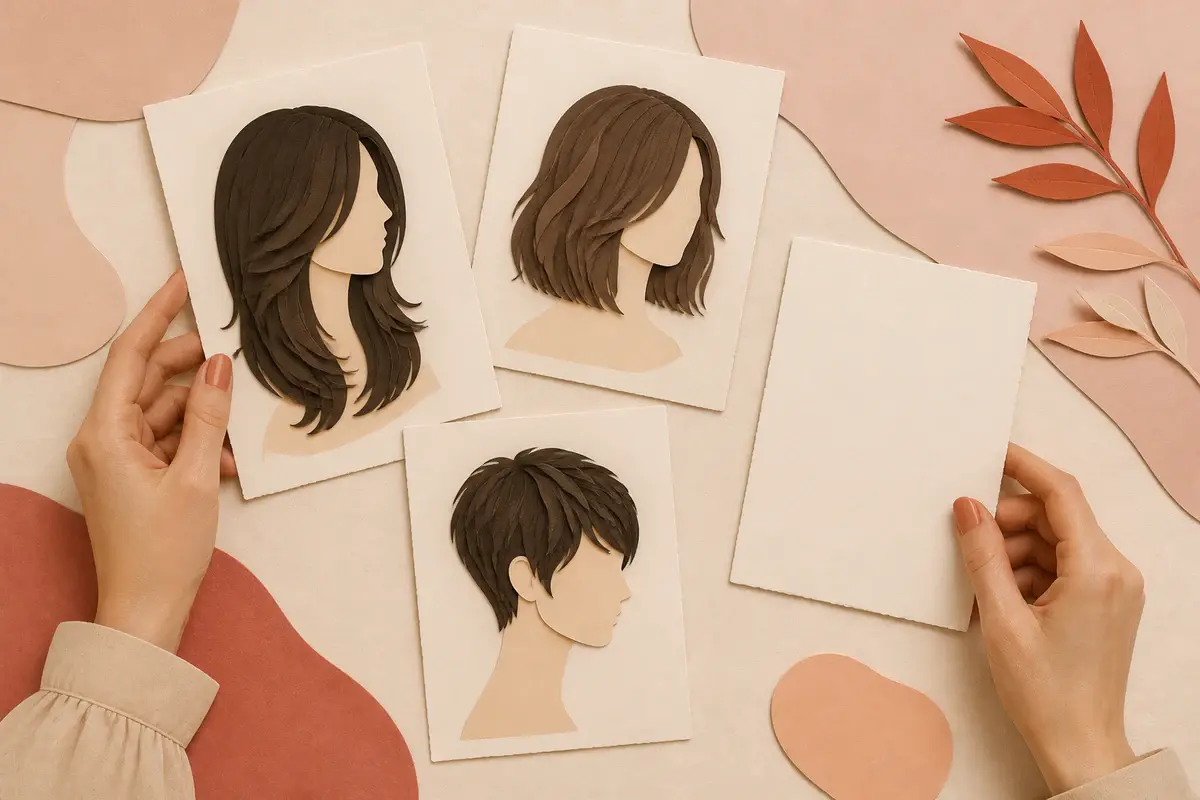
Trying a haircut virtually works best when you separate two questions: What do I want to visualize? and What could my stylist realistically create with my hair? The preview helps with the first question. Your consultation, hair characteristics, and daily routine answer the second.
If you are still deciding which product workflow fits that task, the 2026 AI hairstyle app comparison compares Hair Fairy, HairTry, YouCam Makeup, MyEdit, and Facetune by documented capabilities rather than generated-result claims.
Research into image-based hairstyle transfer also identifies pose and viewpoint differences as a technical challenge. That is one reason a clean, similarly angled source portrait and reference are more useful than a dramatic editorial image with hidden hair details. See the research behind StyleGAN Salon for an example of this challenge.
Step 1: Choose a clear source portrait
Your source portrait is the photo of you that receives the hairstyle. Start with one image and keep using it while you compare options. If you change the portrait, camera angle, lighting, and expression at the same time as the haircut, you are no longer making a clean comparison.
A useful source portrait usually has:
- an upright, mostly front-facing head position
- even light across the face and hairline
- a sharp, unfiltered image
- the full head and enough space around the hair
- no hat, sunglasses, hand, or large accessory covering the hairline
- a simple background that separates clearly from the hair
Your current hair does not always need to be pulled back. Keeping it visible can help when you are comparing similar lengths. Pulling it away from the face can be more useful when you are testing a major change, such as going from long hair to a blunt bob or pixie cut.
Do not choose the portrait because it is your most polished selfie. Choose it because the face, hairline, head position, and available space are easy to read.
Step 2: Select a useful hairstyle reference
The hairstyle reference is the image that supplies the haircut direction. Look for a photo that reveals the shape you care about: overall length, perimeter, face-framing pieces, layer movement, bangs, part, and texture.
If you are still sorting a large inspiration folder, use the haircut reference-photo selection guide to reduce it to a small, annotated set before creating a preview.
A strong reference does not need to match your face. It should make the haircut easy to understand. A straight-on portrait may show bangs and framing well, while a side or three-quarter view may reveal layering and the back length more clearly.
Bring more than one reference when a single image hides important information. Hairstylist Michael Douglas recommends bringing two or three images so a stylist can identify the elements you like across them, according to Woman & Home’s salon-reference guide. Those images can show different people, as long as you explain what you want from each one.
Use references to isolate decisions:
- one image for the overall silhouette or length
- one image for the bangs or face-framing pieces
- one image for texture or finish
Whenever possible, include at least one photo of real hair. A highly edited or AI-generated inspiration image can still communicate a direction, but it may contain density, movement, or geometry that does not behave like natural hair. A stylist needs room to adapt the idea.
If you are still choosing a general cut, compare the women’s hairstyle directory, including long layers, the butterfly cut, a shoulder-length lob, and the curly shag.
Step 3: Decide between a photo, a description, or both
A reference photo communicates visual shape quickly. A description is better for precise changes the image cannot show. In most specific haircut decisions, combining both gives the clearest brief.
| Input | Best for | Main limitation | How to use it |
|---|---|---|---|
| Reference photo | Silhouette, length, part, bangs, layers, curl direction, and finish | The model’s color, density, angle, or styling may distract from the cut | State exactly which visible elements you want to borrow |
| Written description | Measurements, preferences, exclusions, and details outside the frame | Vague wording leaves too much open to interpretation | Name the length, shape, texture, volume, color, and finish |
| Photo and description | A specific look that needs personal adaptation | Conflicting instructions can make the target less clear | Use the image for direction and the words to override or refine it |
You do not need professional cutting vocabulary. Describe the result you want to see and let your stylist decide which technique is appropriate.
Use this template:
Use the overall haircut shape from this reference. Keep the final length at [body or face landmark]. I want [layer or face-framing detail], with [bangs or part]. Keep the texture [natural, softly waved, defined, smooth, or another finish] and the volume [low, balanced, or full]. Keep [my current color / the reference color]. Preserve [important feature] and avoid [unwanted feature].
For example:
Use the soft shape from the reference, but keep the ends at my collarbones. Add face-framing layers that begin around the cheekbones, keep the bangs airy rather than heavy, preserve my current hair color, and avoid extra height at the crown.
The more specific version is useful because it separates haircut shape, length, texture, volume, and color instead of asking the image to communicate everything at once.
Step 4: Compare the preview and build a salon brief
Do not judge a haircut from one generated image alone. Make a small, controlled comparison using the same source portrait. Change one meaningful variable at a time—for example, compare chin length with collarbone length before you also change the bangs, part, texture, and color.
Use the controlled hairstyle-comparison guide to screen generation errors, score valid candidates, and reduce the set to two salon-ready finalists.
Check each preview for two things:
- Is the image a usable comparison? The face, head position, lighting, and identity should remain close enough to the source that you are evaluating the hair rather than a different portrait.
- Does the haircut direction answer your decision? Look at where the length ends, where volume sits, how much of the face is framed, and whether the overall change feels aligned with your routine.
Reject a preview when an obvious generation error is influencing your opinion. A polished image is not automatically a useful image.
When you have a finalist, prepare this salon handoff:
- two or three original hairstyle references
- the preview you found most useful
- one sentence about what you want to keep
- one sentence about what you want to change
- one sentence about what you want to avoid
- an honest description of how you normally dry and style your hair
- questions about texture, density, shrinkage, upkeep, and grow-out
The preview is a conversation aid. Your stylist can assess growth patterns, density, condition, natural texture, and how the haircut will behave away from the camera.
Common reference-photo and preview mistakes
Choosing a dramatic but unreadable reference
Editorial lighting, wind, hats, hands, extensions, and heavy styling can hide the haircut structure. Save the inspiring image, but add a clearer reference that shows the shape.
Copying the color by accident
Decide whether you are testing the cut, the color, or both. If the decision is about shape, keep the color consistent so it does not dominate the comparison.
Using vague instructions
“Make it flattering” does not define length, layers, bangs, volume, or finish. Replace subjective shorthand with visible details.
Changing every variable at once
If the source portrait, haircut, texture, color, and styling all change, you cannot tell which difference shaped your reaction. Hold most variables steady.
Treating the preview as a salon specification
An AI image does not show every angle or model how each strand will behave. It should help you choose a direction, not instruct a stylist to reproduce pixels exactly.
How to use Hair Fairy Custom Style
Once you have done the independent preparation, Hair Fairy Custom Style lets you upload your source portrait and then provide a hairstyle reference, a written description, or both.
When you add a reference, you can choose to preserve the hair color visible in your source portrait or use the reference color. If the written description and reference need to differ, state the change directly—for example, “use this shape, keep my current color, and move the length to my collarbones.”
Hair Fairy is useful for comparing a specific haircut direction on one portrait. It does not analyze whether a haircut is objectively right for you, and its output does not guarantee what your natural hair or a salon service will produce. Review the privacy policy before uploading a personal photo.
Decision summary
Use a clear portrait, choose references that reveal the haircut, and write down the details the images cannot communicate. Compare a few controlled variations, then take the most useful preview—along with the original references and your practical questions—to your stylist.
The best result is not the image that looks most dramatic. It is the one that helps you make a clearer, more realistic haircut decision.
Frequently Asked Questions
Questions about AI hairstyle comparisons
Can I try a hairstyle from a reference photo?
Yes. A hairstyle preview tool can use your portrait and a separate haircut image as visual inputs. Choose clear images, then treat the result as a way to compare the idea rather than an exact prediction.
What makes a good hairstyle reference photo?
Use an image that clearly shows the haircut’s length, outline, layers, bangs, part, and texture. Avoid hats, hands, dramatic shadows, or crops that hide important parts of the hair.
Should the reference have hair like mine?
It does not need to match perfectly, but a reference with a similar natural texture or density can make the salon conversation more realistic. Your stylist can explain how the shape may need to be adapted for your hair.
Can I keep my current hair color?
Yes. In Hair Fairy Custom Style, you can ask to preserve the color from your source portrait instead of using the color shown in the hairstyle reference.
Can I combine a photo with a written description?
Yes. Use the photo for the overall visual direction and the description to clarify changes such as length, layer placement, bangs, volume, finish, or color.
Will an AI preview match the final salon result?
No preview can guarantee a salon outcome. AI images do not fully represent how your hair grows, moves, shrinks, or responds to cutting and styling, so confirm the practical details with your stylist.
About This Guide
Hair Fairy EditorialEditorial team, Hair Fairy
Hair Fairy Editorial writes and reviews Hair Fairy guides with a focus on realistic haircut decisions, clear salon communication, and styles that work beyond the inspiration photo. The team balances visual ideas with texture, maintenance, and everyday wear.
Women’s haircut selection, face-shape and texture considerations, salon-reference planning, maintenance trade-offs, clear stylist communication, and responsible use of AI hairstyle previews as decision aids rather than guarantees.
View author profileSee us more often in Google
One click marks Hair Fairy as a preferred source, so our articles are more likely to appear in your Top Stories, and can show a preferred badge in AI Mode and AI Overviews.
Compare Your Idea
Preview a hairstyle on your own photo.
Use a reference, a written description, or both—then discuss the practical result with your stylist.